
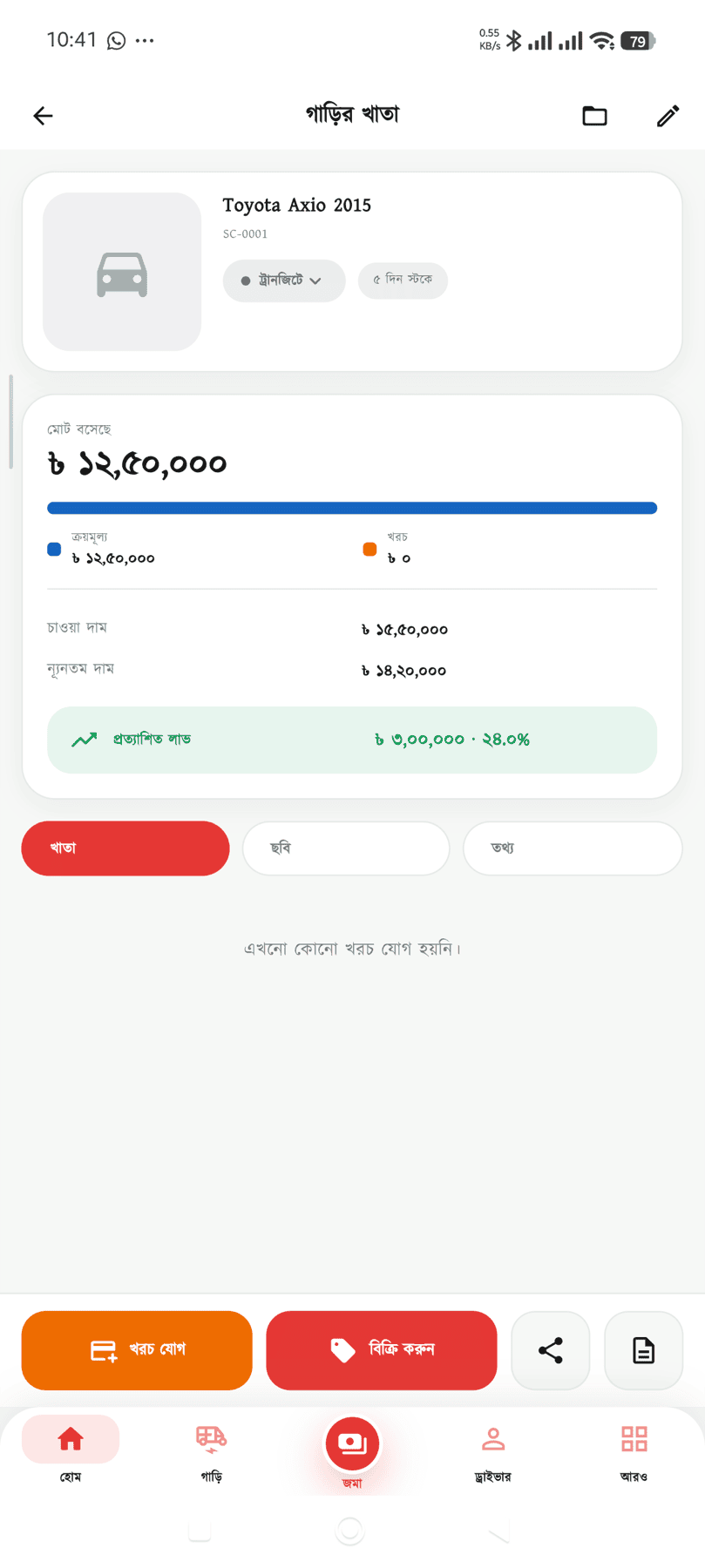
One car, one ledger. FOB, freight, LC, customs, repairs, paperwork — every taka goes against that car. Bring several in together and the landed cost comes out per shipment or LC.
Five cars in one shipment — splitting the freight and C&F charges between them is where it goes wrong
Bills arrive in yen or dollars but the books are in taka, and the rates get muddled
What went into a car — duty, denting, registration — is scattered everywhere
Goods sit at the port and demurrage builds, and nobody reminds you
You bought a car on credit, and who is owed what is nowhere in the ledger
After a sale there is no telling whether it made money or lost it
Who came to look, and who you promised to ring back, gets forgotten
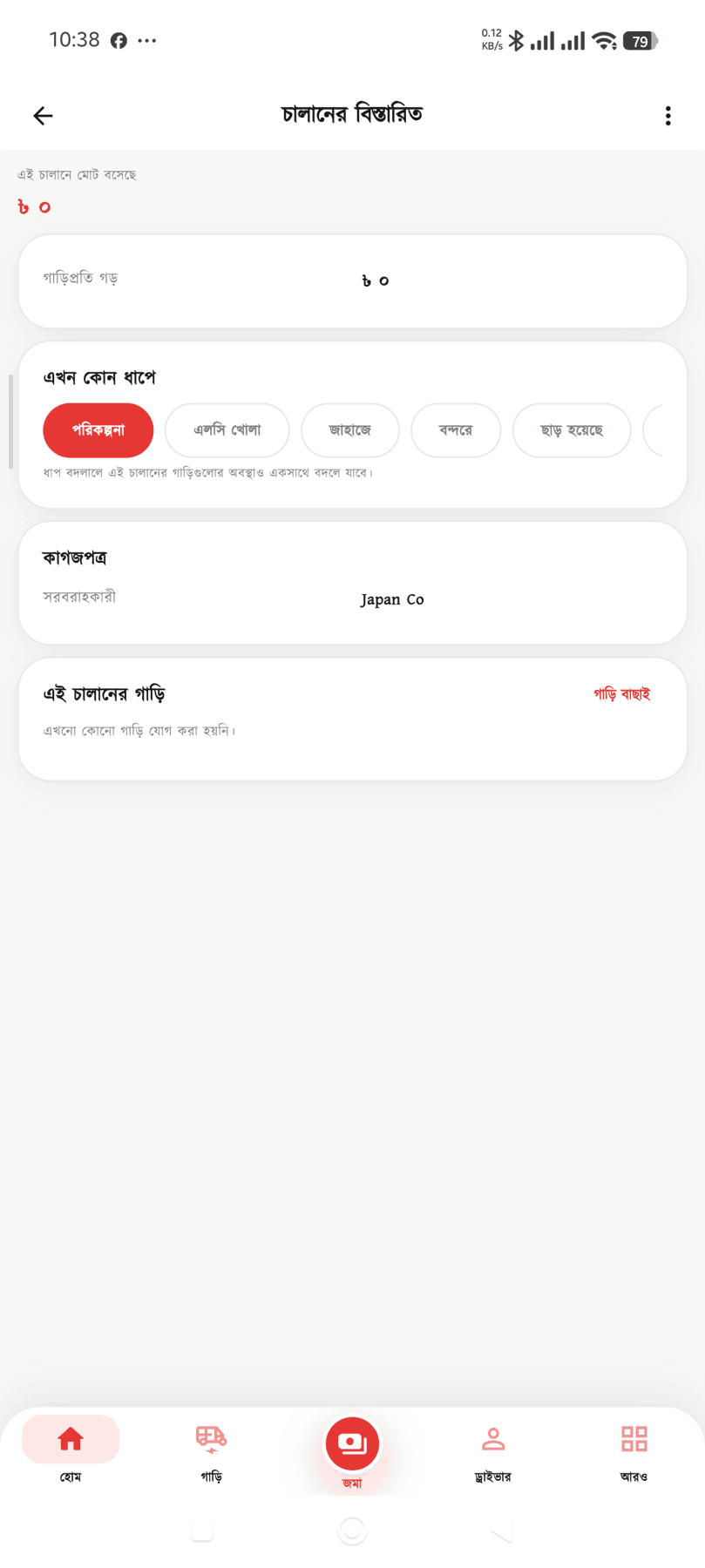
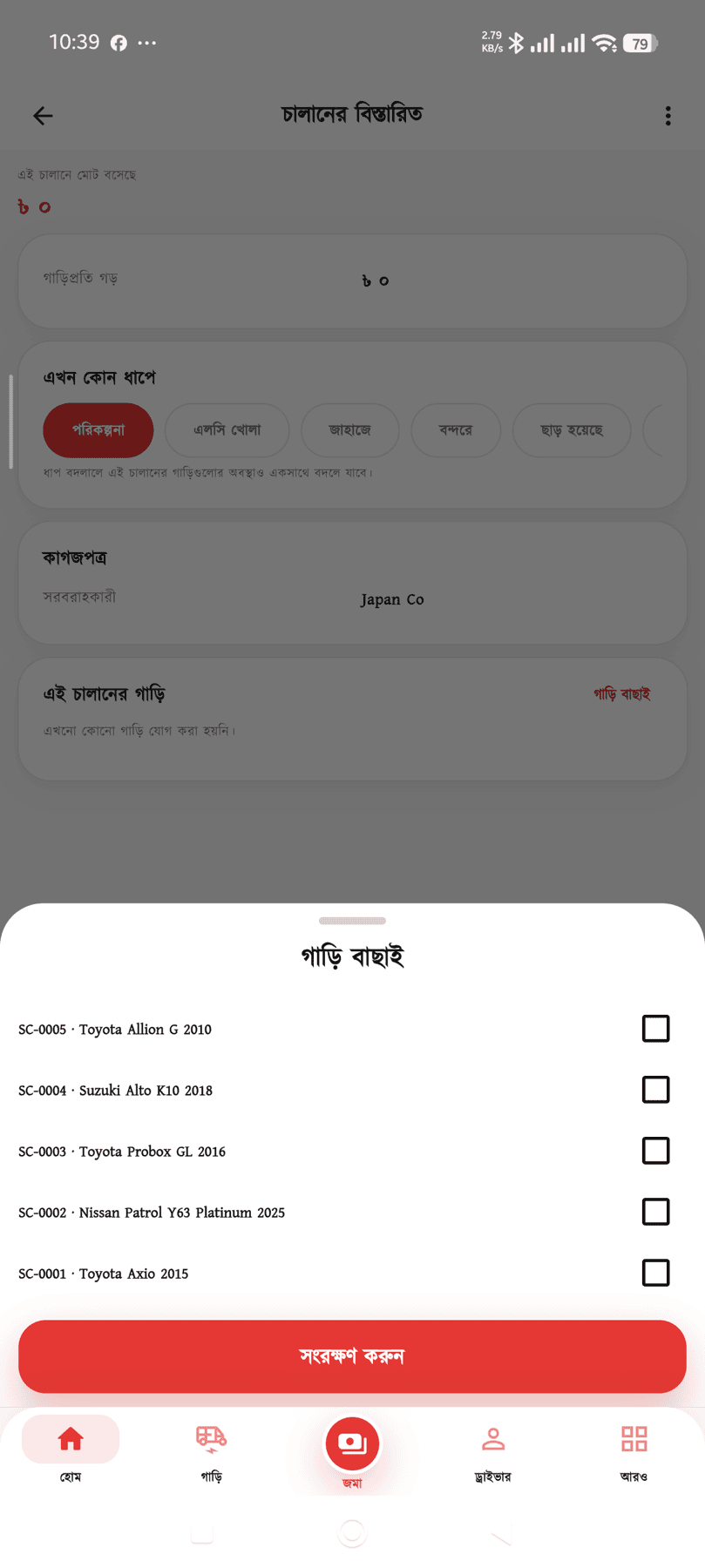
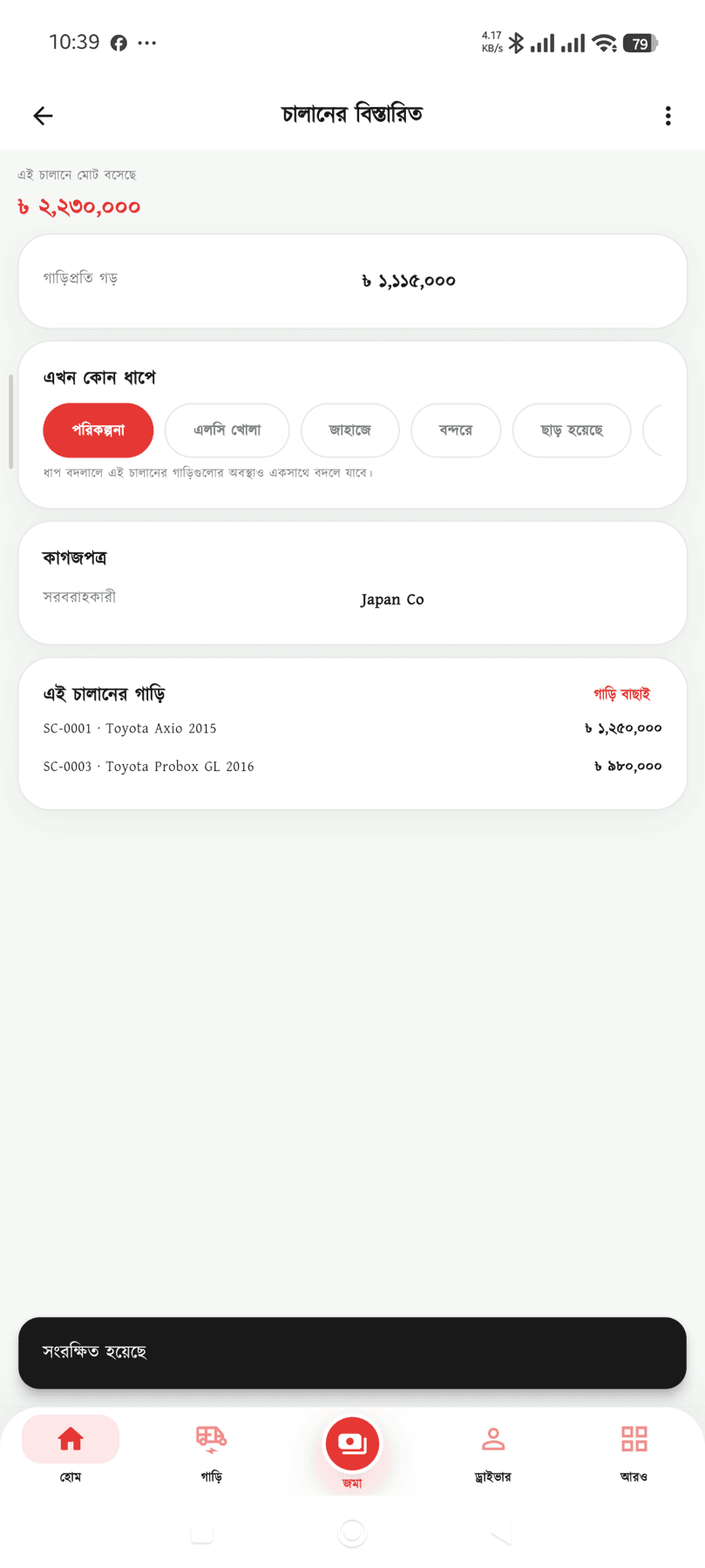
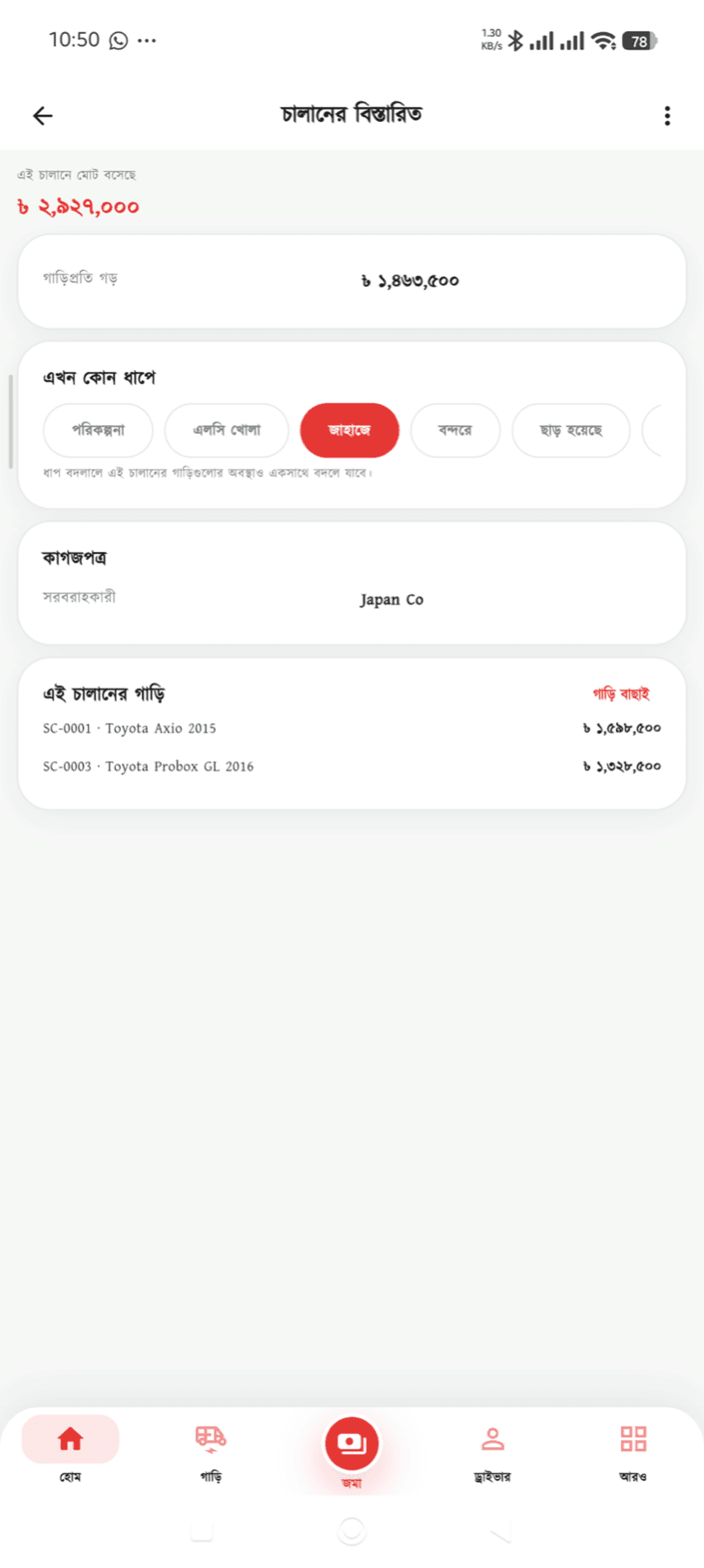
Bringing several cars in together? Put them in one shipment — LC number, bank, supplier, vessel, BL, port and BE on one page. What the shipment cost in total and per car is there the moment you need to set a price.
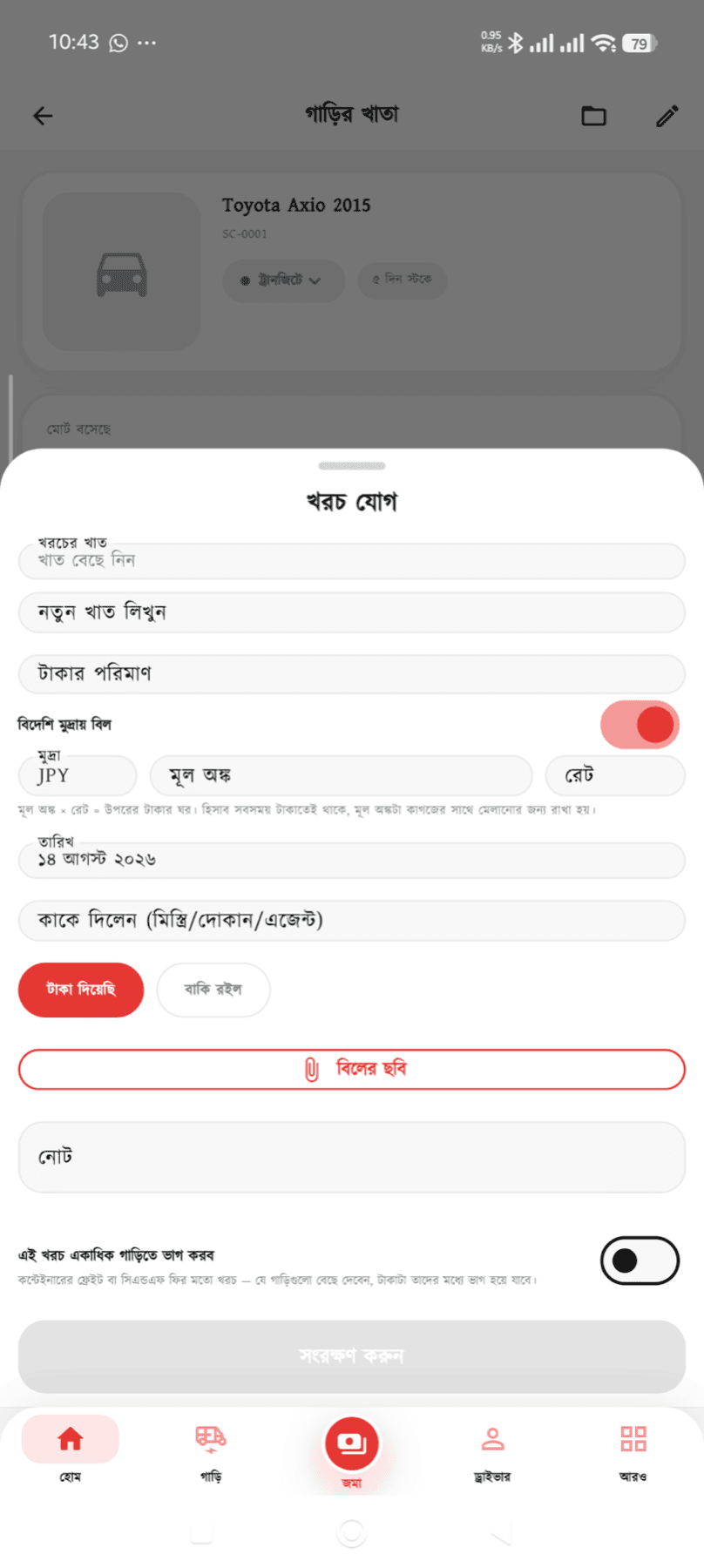
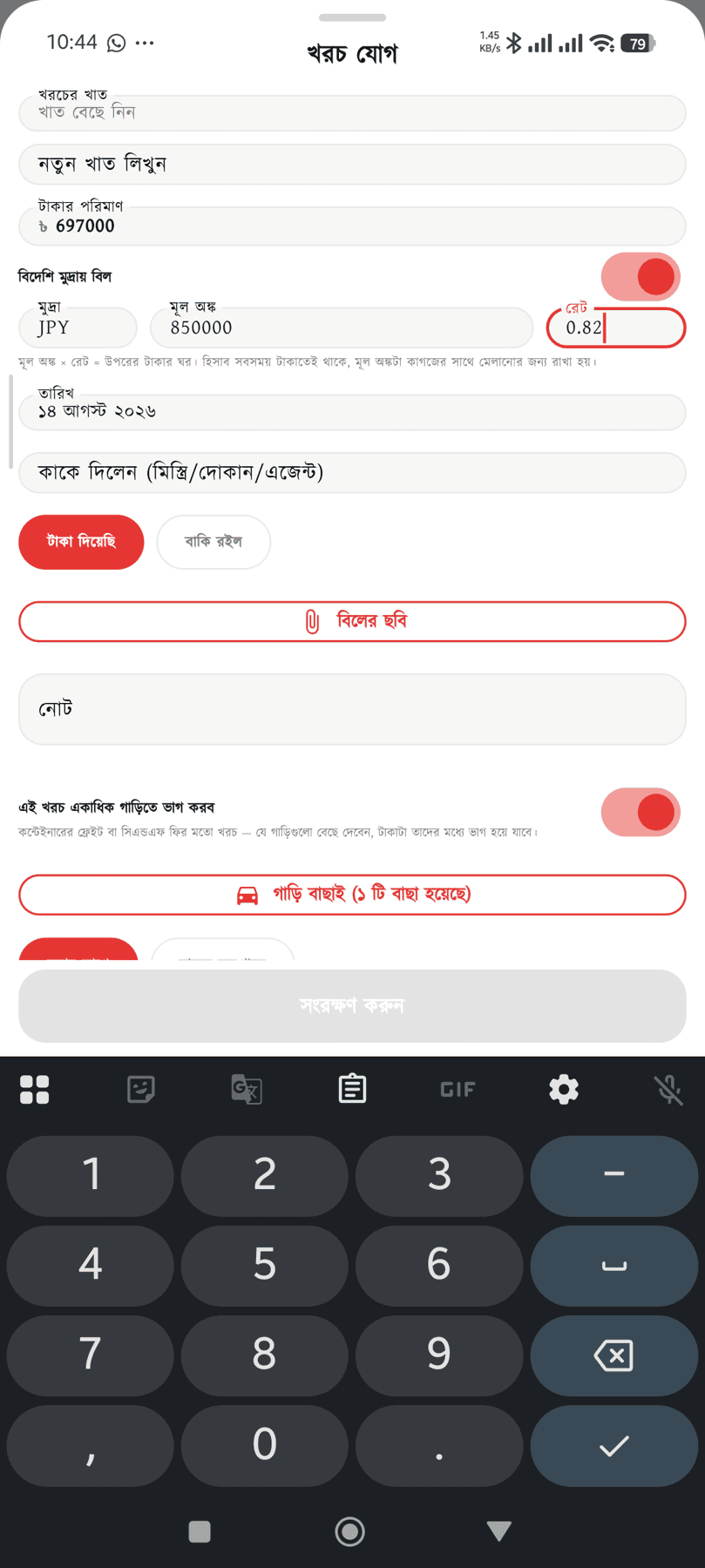
FOB in yen, freight in dollars — enter the original amount and the rate, and the taka figure fills itself in. The books stay in taka, and the original amount stays on record to reconcile against the paperwork.
A warning 3 days before the vessel arrives, and again once 7 days have passed at the port — every day uncleared is demurrage, so silence costs money.
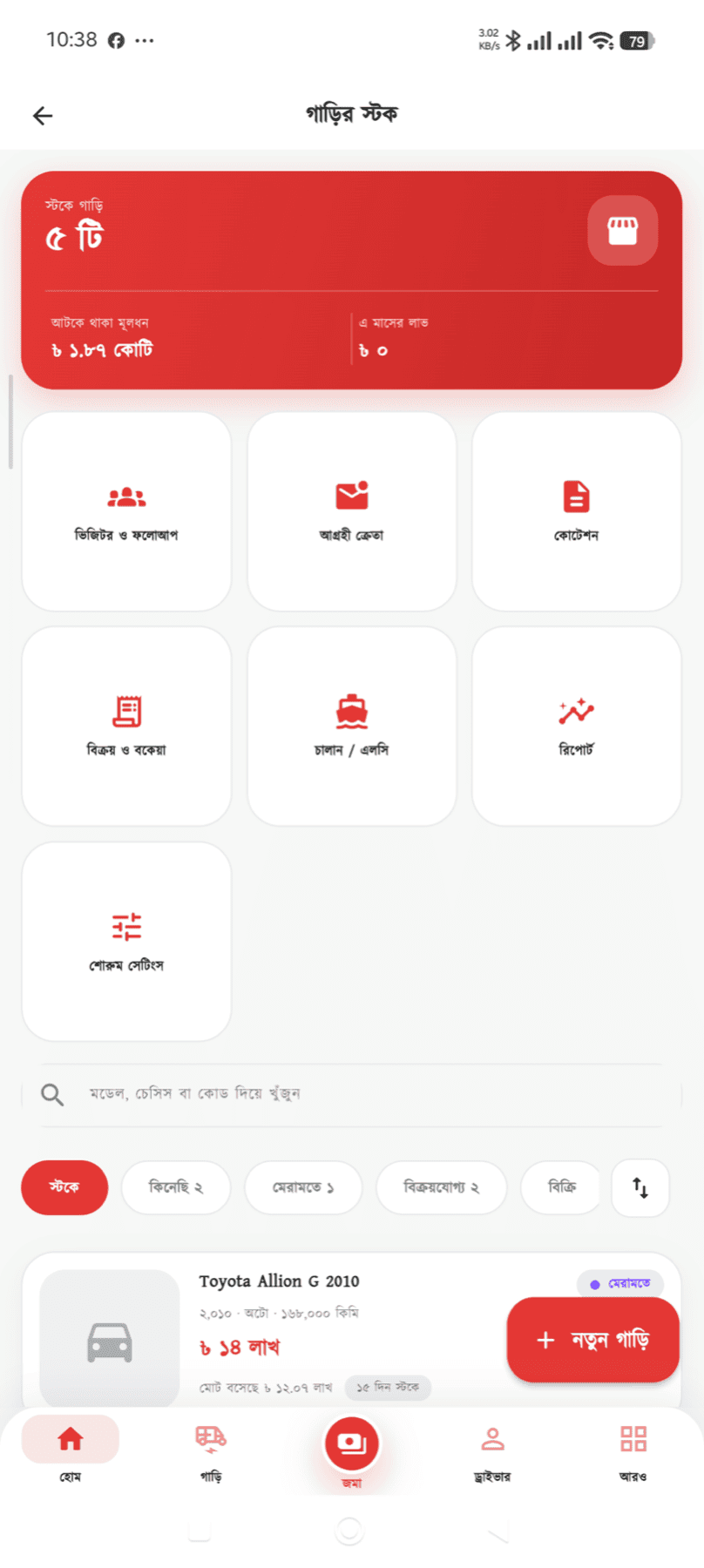
Stock code, make, model and year, chassis and engine numbers, colour, mileage, photos and features — all on one car.
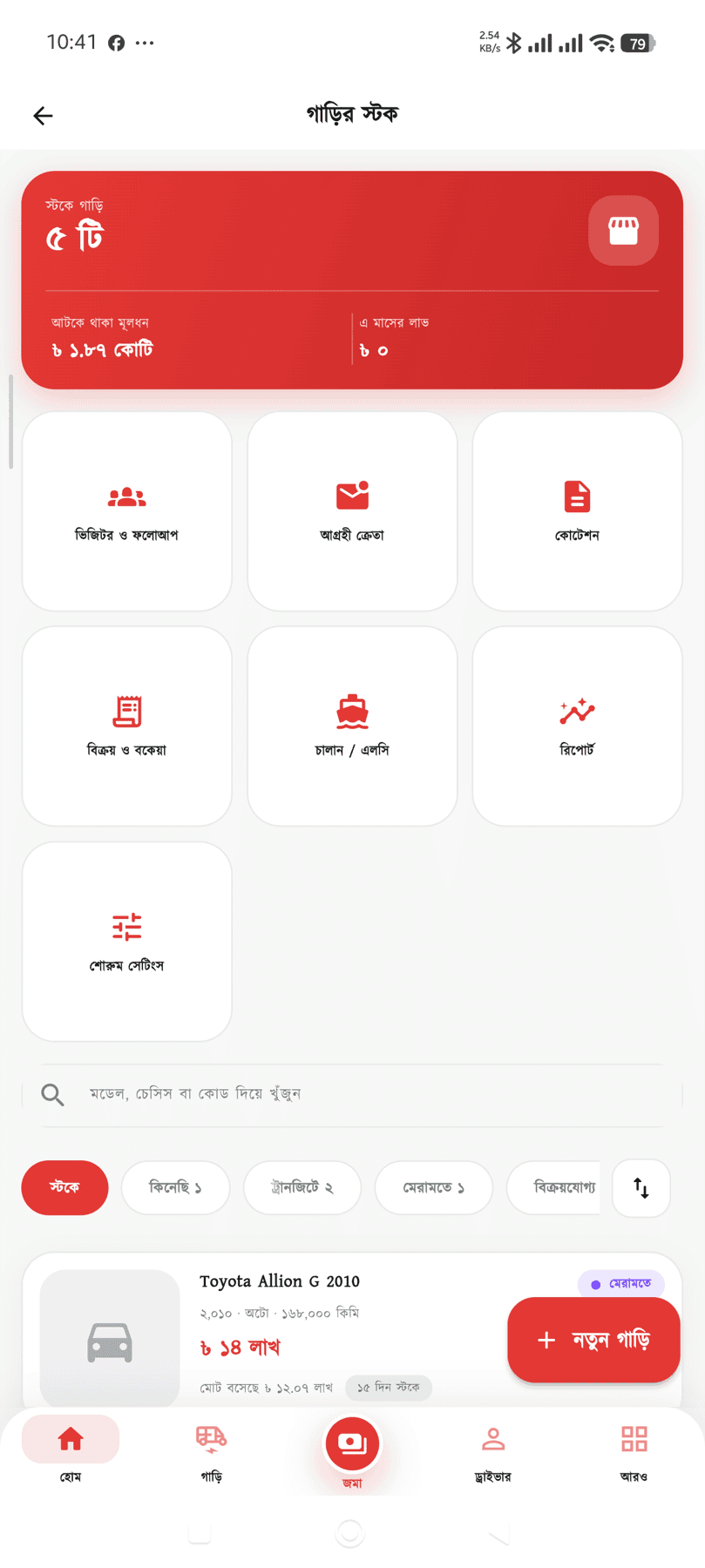
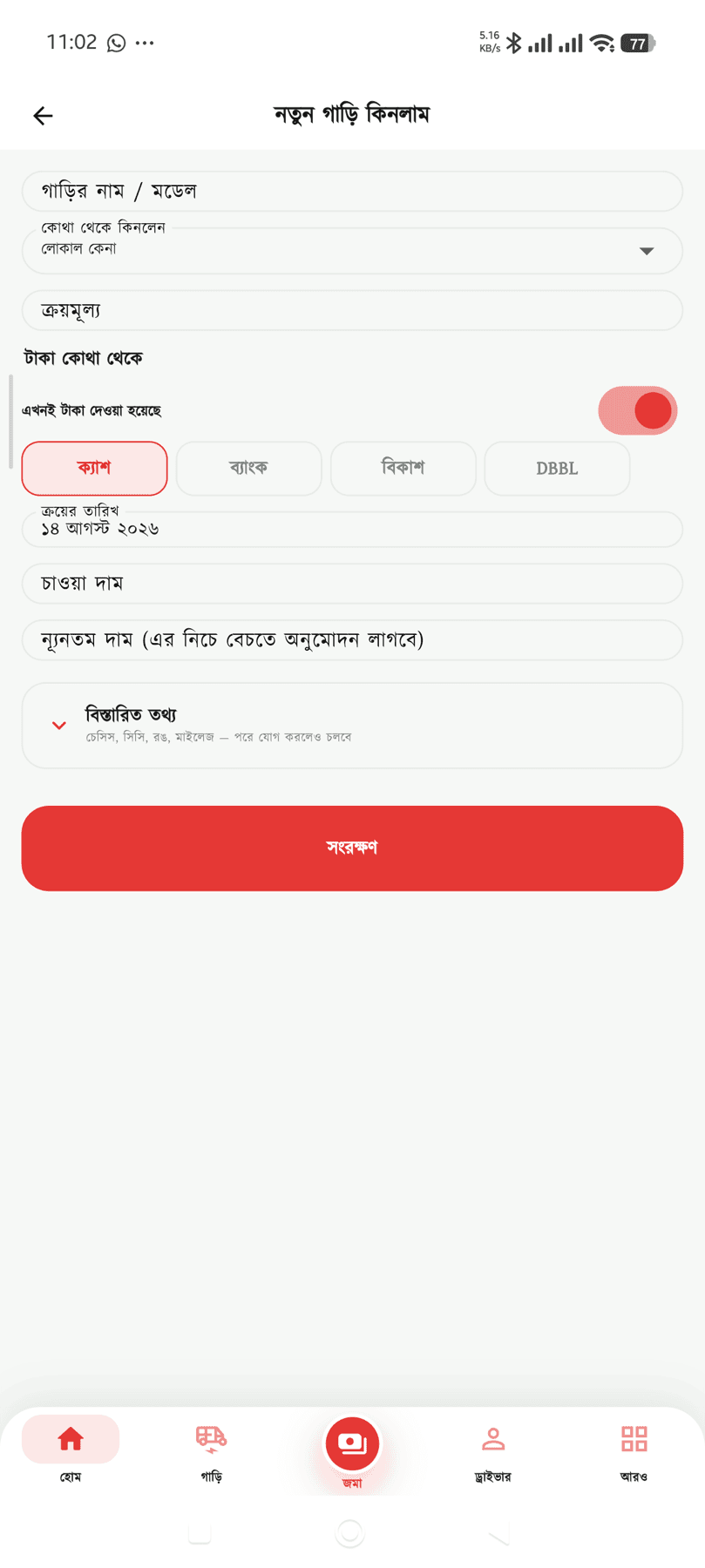
Ordered → bought → in transit → at port → cleared → in the yard → under repair → available → booked → sold. How many cars are at each stage sits above the list; tap to see them. Put an auction bid in as "ordered" — until it is bought it counts in neither your stock nor your bill.
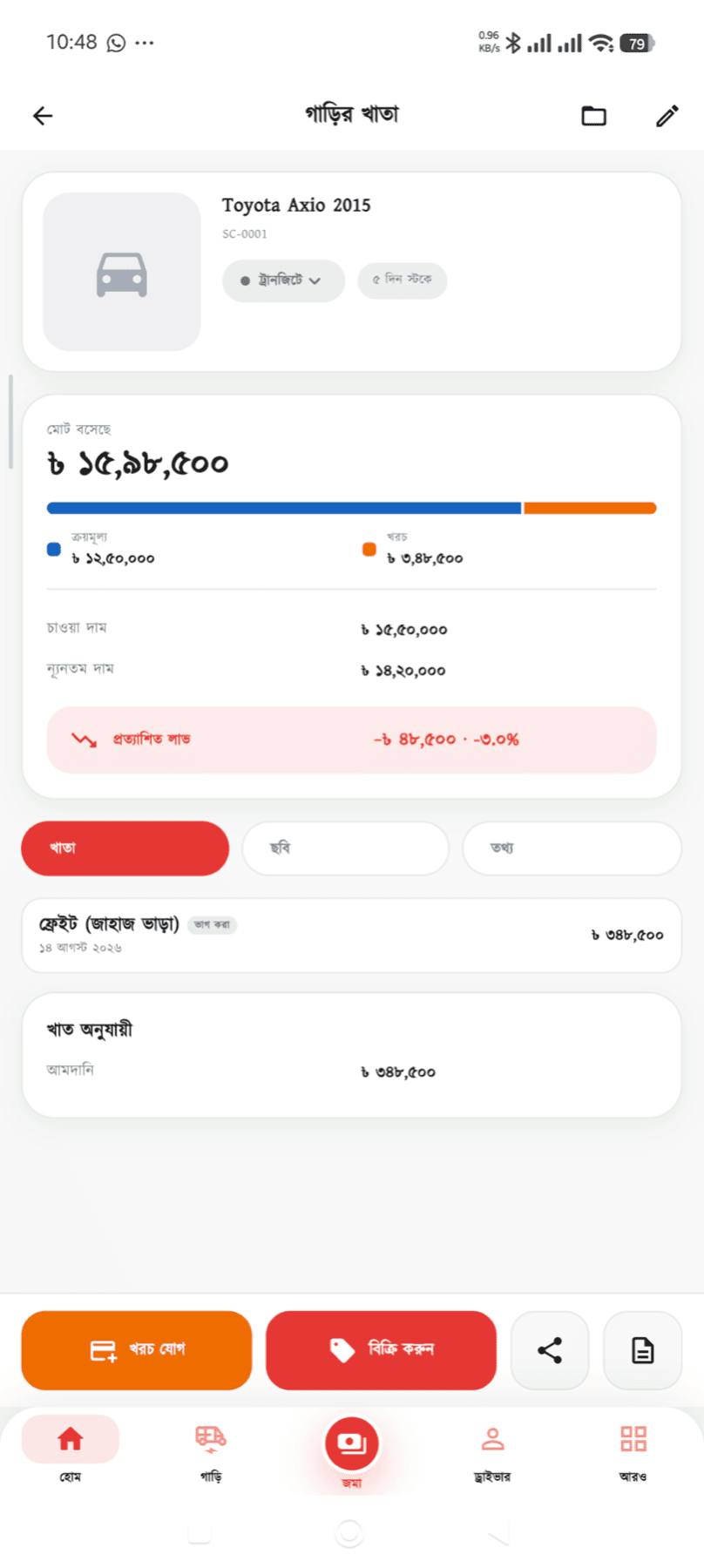
FOB, auction fees, JEVIC, freight, marine insurance, LC margin and commission, CD/SD/VAT/AIT, C&F fees, port rent, demurrage, repairs, BRTA paperwork — 68 cost heads ready to use, and you can add your own.
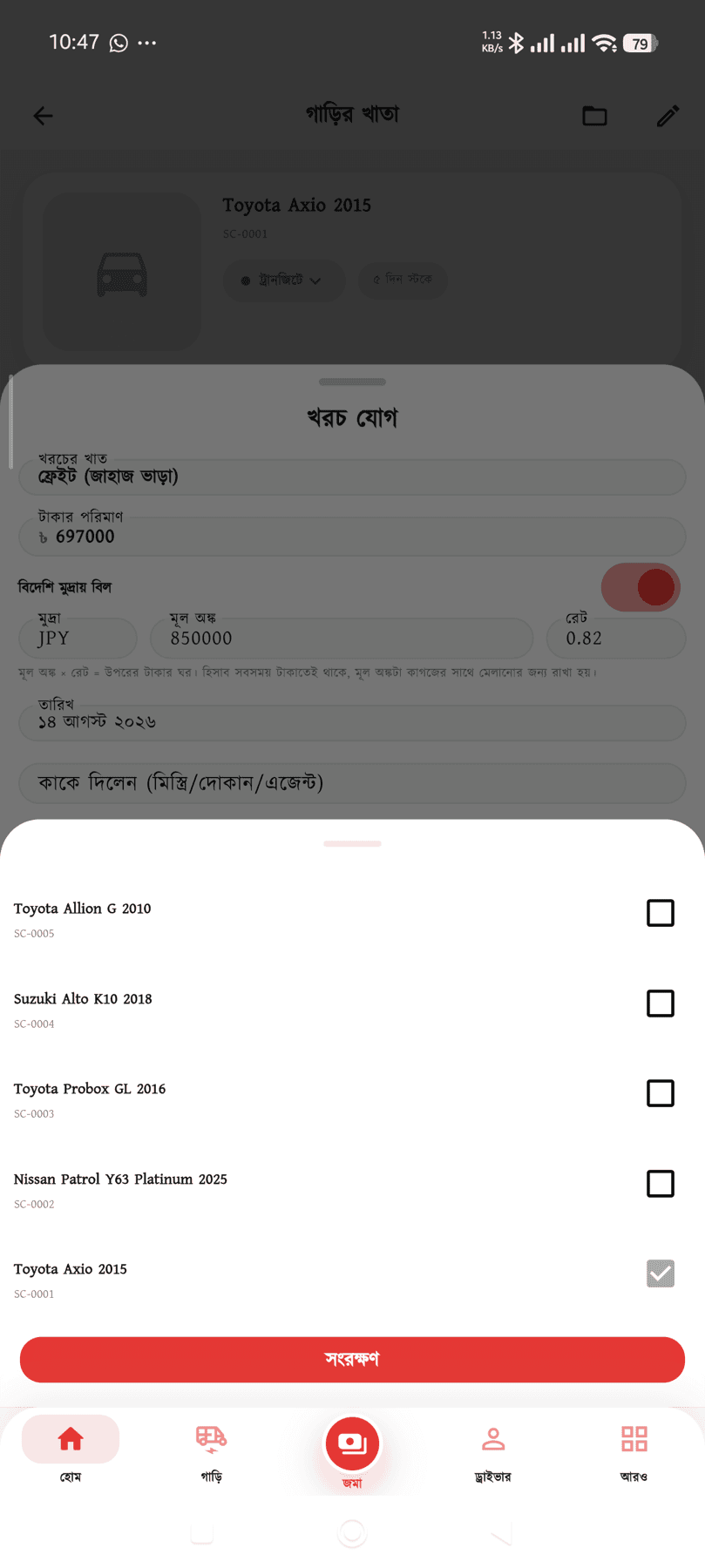
Enter the freight or C&F fee once and pick the cars — it is split equally or in proportion to value, and lands in each car’s ledger. The foreign amount splits in the same proportion.
The purchase price of a car bought on credit and any unpaid costs, in one list, by person. Pay and it is settled in one tap, with cash reducing on the date you actually paid.
Every cost against a car, the total, the sale price and the net profit — on one printable, shareable page. The thing you used to build by hand in Excel.
Invoices, deposits, discounts, exchanges, broker commission and finance — all of it. Sell on instalments and a schedule is set up, with anything late showing in red.
Where each buyer came from (showroom, Facebook, a referral), which car they looked at, what stage they are at — test drive, negotiation, booking. Lose one and the reason is recorded too.
How long each car has been sitting and how much capital is tied up in it — which is where the decision to cut a price comes from.
A link with photos for every car — send it to a buyer on WhatsApp and it opens without an app.
Record the warranty months or kilometres and the free services at the point of sale. When the buyer returns and a job is opened in the garage, it counts as warranty work — how much cover is left and how many free services remain reconcile themselves. It reminds you before cover expires too.
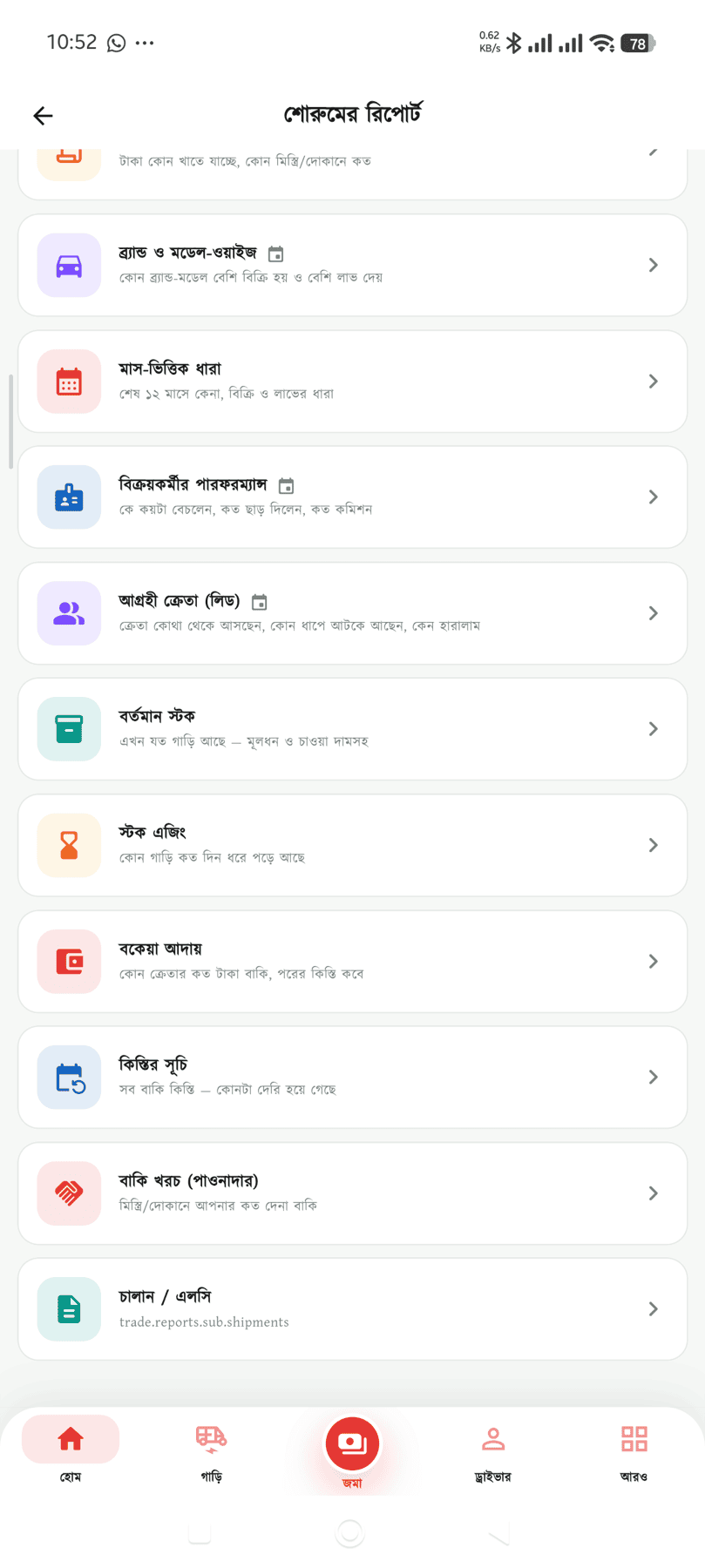
Shipment/LC, per-car profit, purchase list, cost analysis, by make and model, monthly trends, salesperson, leads, stock, ageing, dues, instalments and creditors — all exportable, printable and shareable.
Real screenshots taken from the app — no mock-ups.

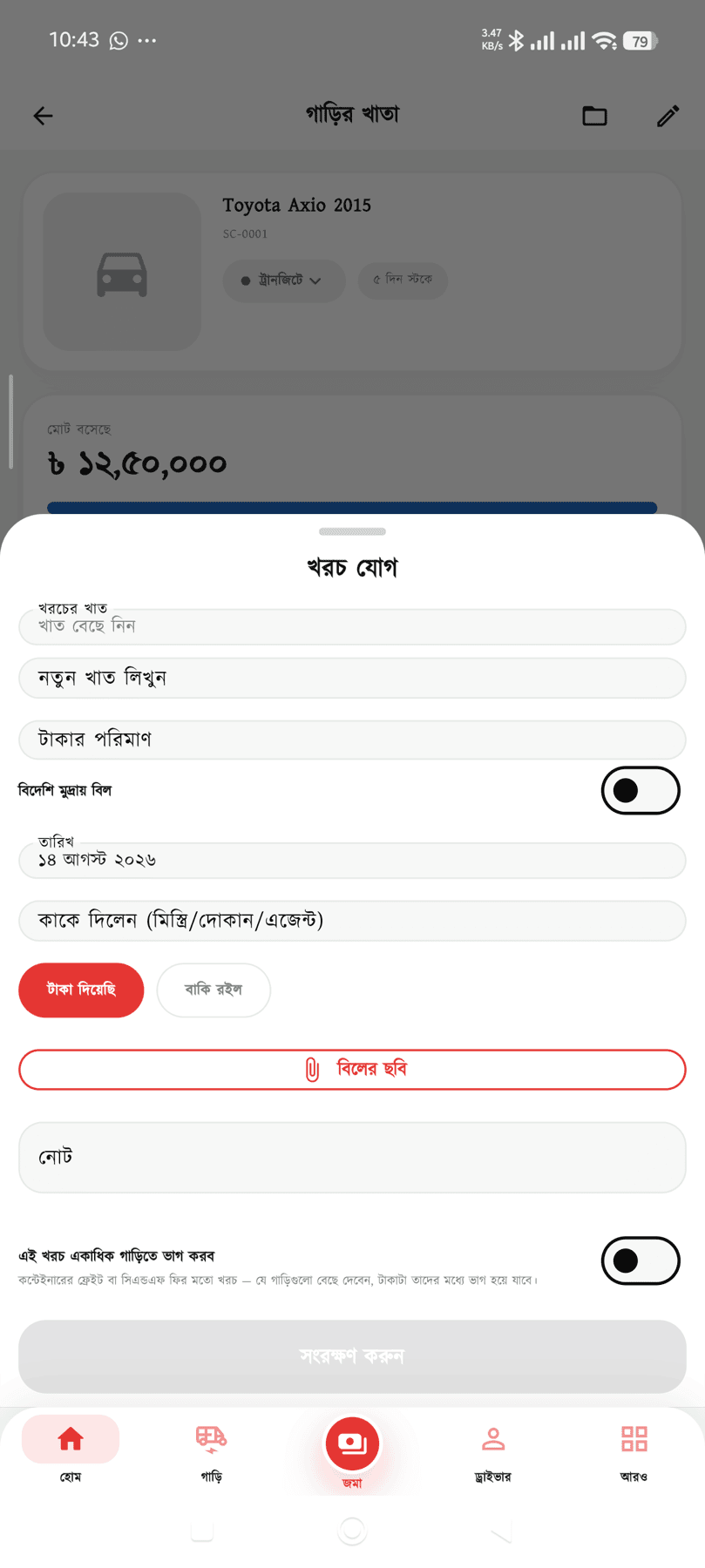


Hover to pause · 17 screens
Every cost booked against a car is added to its purchase price to give the total cost; the sale price less that is the net profit. How many days it took to sell is shown alongside.
Yes — that is exactly what it is built for, for container freight or C&F fees. Enter the cost once and pick the cars: it is split equally or in proportion to value and lands in each ledger. Get it wrong and you can remove all of them together from one place.
You can. Open a shipment and put the cars in it — LC number, bank, supplier, vessel, BL, port and BE stay on one page, and the shipment total and the per-car figure add up from the cars’ own ledgers. Change the shipment stage (on the vessel → at port → cleared) and every car in it moves with it — you do not change 20 cars by hand.
When you record the cost, turn on "foreign-currency bill" and enter the currency, the original amount and the rate — the taka figure is calculated on screen, so you see it before saving. Accounts, ledgers and profit stay in taka; the original amount and rate stay on record to reconcile against the paperwork, so a later rate change never moves an old figure.
Enter it as "ordered". You can keep the papers and photos, but it is not counted in stock, no money is posted to the ledger, and it is not on the monthly bill. Tap "bought" and the accounting starts.
There is. Set the source to "import" and the in-transit, at-port and clearing stages appear, along with the separate customs and port heads (CD, SD, VAT, AIT, C&F fee, port rent, demurrage). None of that clutters the screen for a local car.
It is. Choose "bought on credit" and no money leaves an account — it is recorded as a debt to the seller, and shows on the "who is owed what" page alongside unpaid costs. Pay later and tap "paid" next to that car; cash reduces on the payment date and the original purchase entry is untouched.
Yes. A car that belongs to someone else, where only the commission is yours, can be held as consignment — its value is then not counted in your tied-up capital.
With the garage module on, pick the stock car on the job card — it is then your own cost, not a sale. The whole amount goes into that car’s ledger and is added to its cost, with no phantom income created.
Yes. Set up the instalment schedule — who owes what and when, what has been collected and how late anything is, all in one list.
The accounts for one vehicle are free forever. Running in 5 minutes, with no training.